Live Demo

See It In Action

Watch OpenVoiceUI build live web pages by voice, generate images, create music, and manage real work — all from a single conversation.

One-click install with Pinokio

Real Screenshots

See It In Action

These are real screenshots from OpenVoiceUI — not mockups. Everything you see is live functionality.
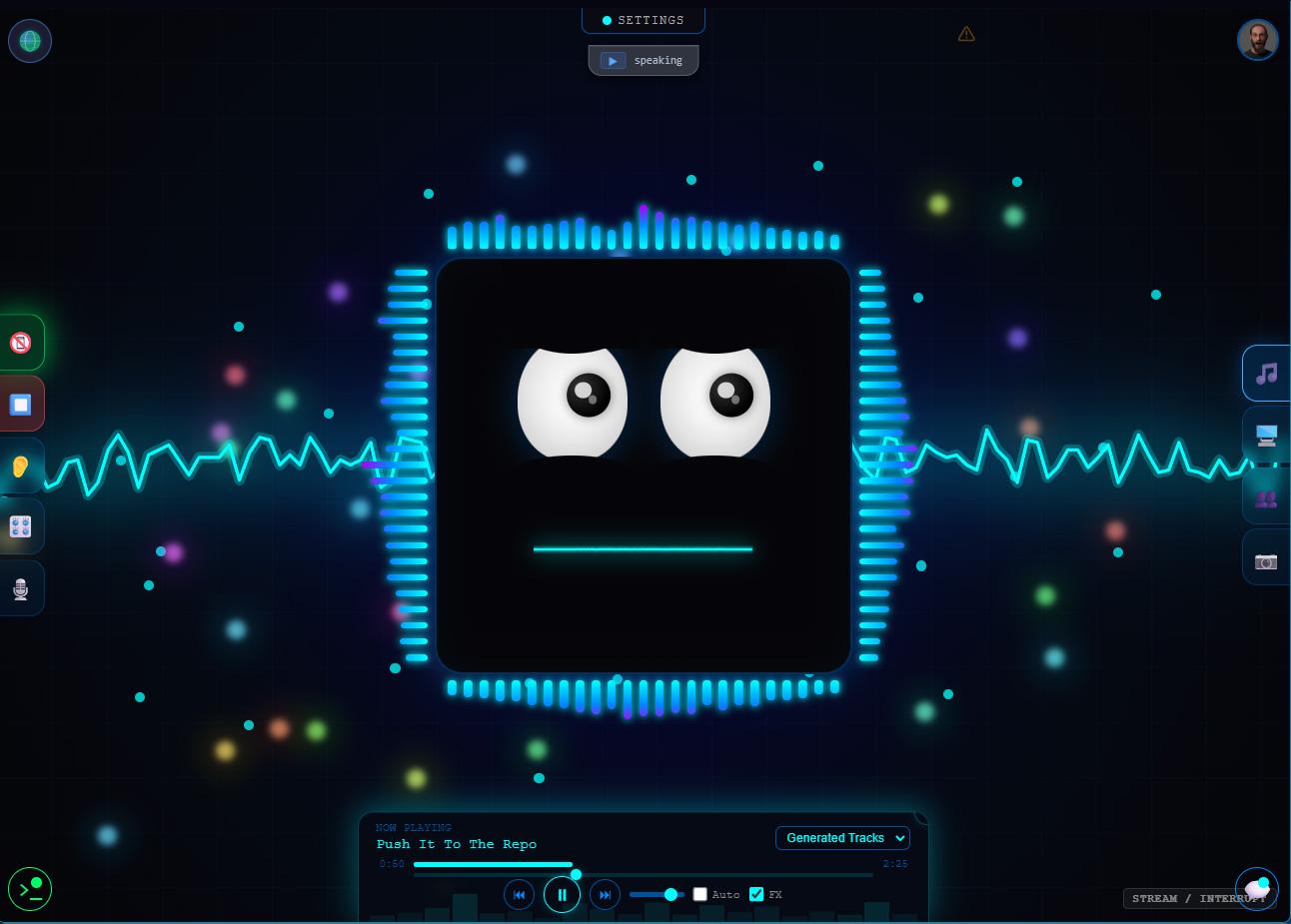
Voice Mode
Live Demo

Voice Mode

Real-time voice conversation with animated AI presence. The avatar reacts as you speak.
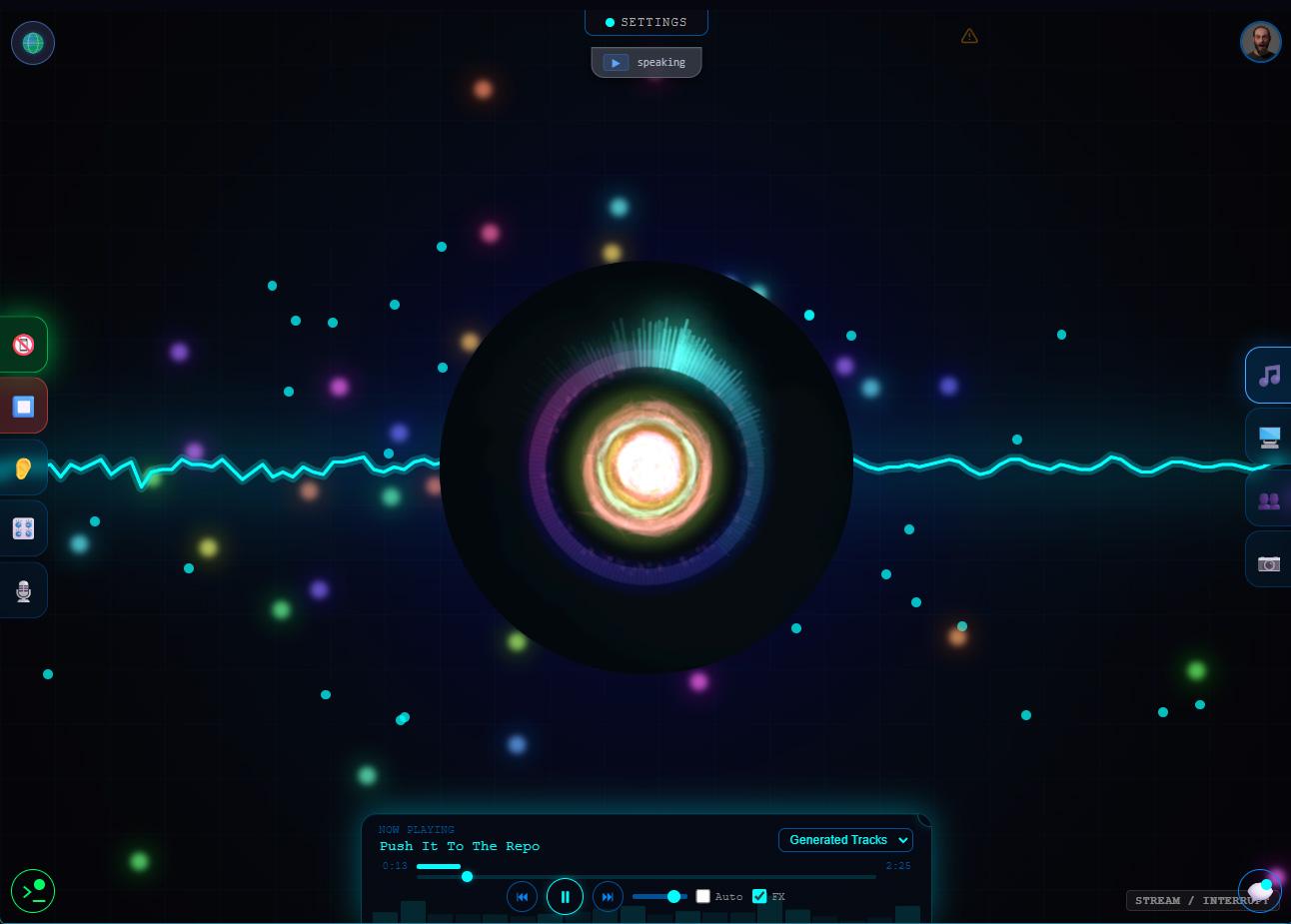
Music Visualization
AI Music

Music Visualization

AI-generated music with real-time audio visualizer. Ask your AI to create a track.
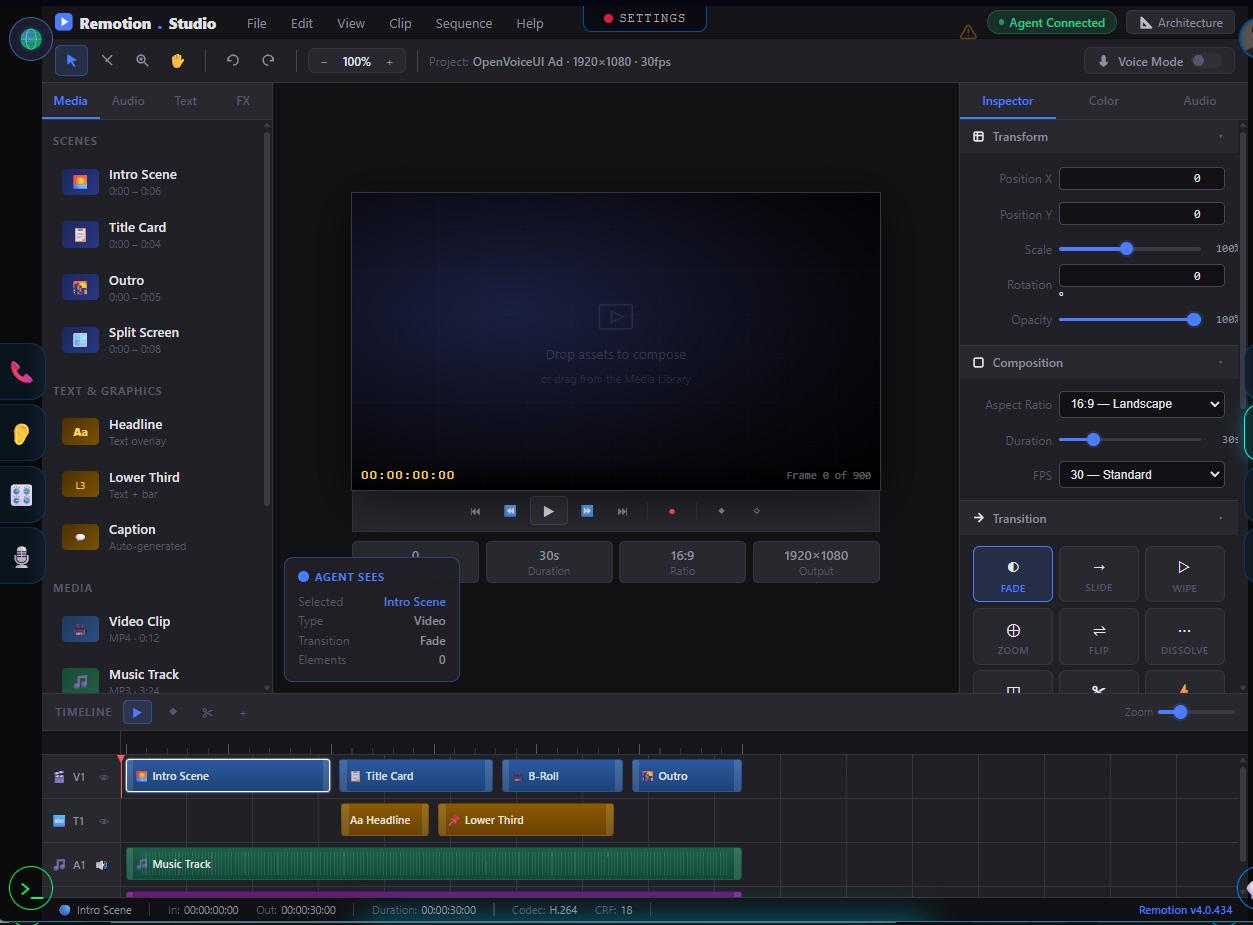
Video Creation
Remotion Studio

Video Creation

Built-in Remotion Studio integration. Your AI can produce and edit video content.

How It Works

From Install to Working AI in Minutes

Three steps. No cloud account needed. No credit card.

01

Install with One Command

npx openvoiceui setup, one-click Pinokio install, or Docker Compose. Pick your method — you're running in under 5 minutes with any LLM provider.

02

Talk and Watch It Build

Speak naturally. Your AI understands context, generates live HTML pages in the canvas, creates images, schedules tasks, and delegates to sub-agents — all by voice.

03

Customize Everything

Add skills, switch LLM providers, change desktop themes, clone voices, configure cron jobs. The platform adapts to your workflow, not the other way around.

Ready to Try It Yourself?

Free, open source, MIT licensed. Your hardware, your data, your AI.